
Padlet
April 20, 2026skip to the demo
Only good vibes for this Presidio office.
My husband found a website for a company hiring developers located in the Presidio here in SF… and immediately I could tell why he thought it would be a good fit for me.
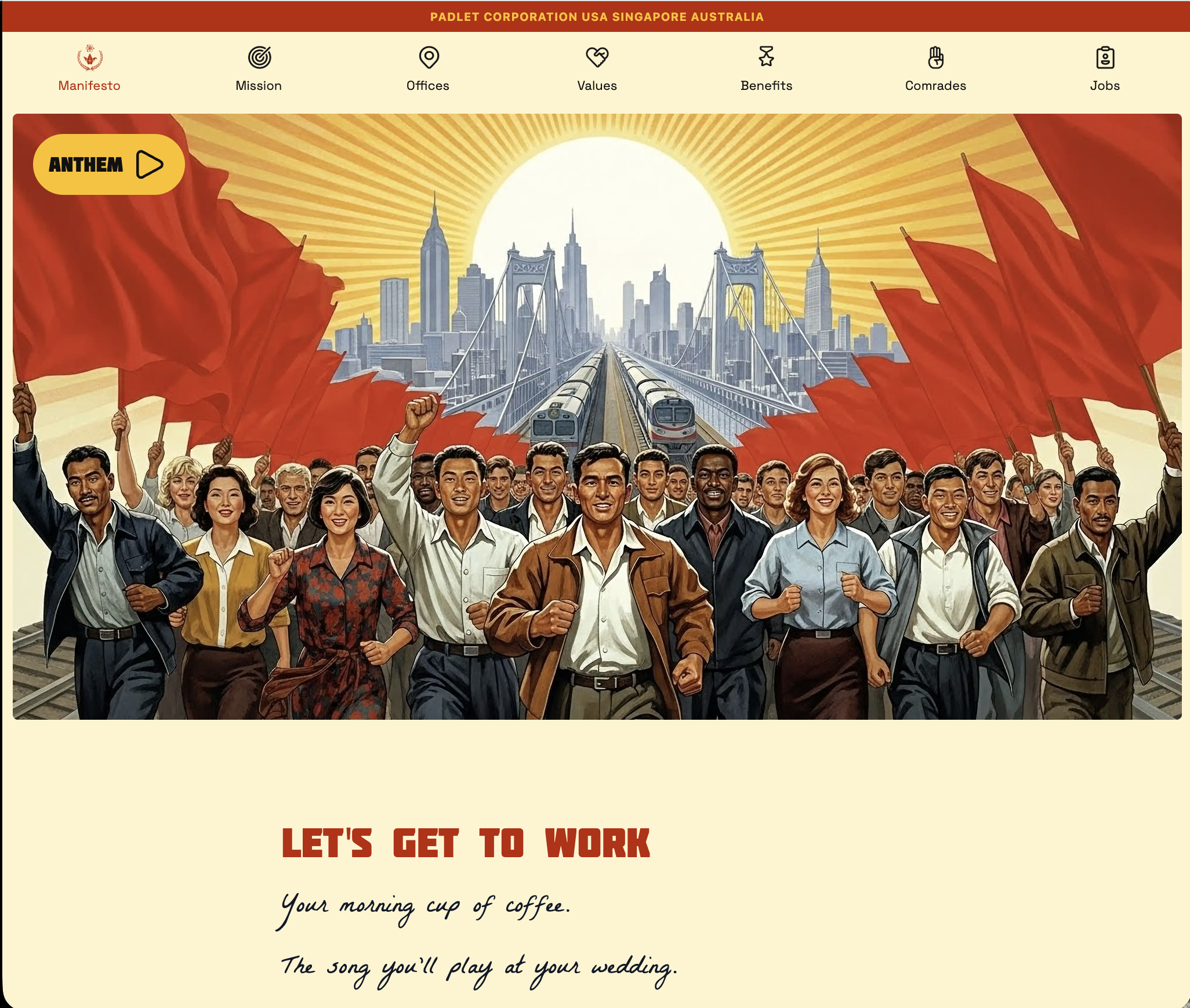
Their jobs website is incredible - love the style, sense of humor, and their culture. (Seriously: check it out, and play their music because it is "Wellerman." Fuck yes.) Their mission is awesome - they do ed-tech; their product is a visual collaboration tool for education with a massive reach. Their office is in a former military barracks inside the Presidio, the WiFi works outside, and you can apparently just… work on the lawn overlooking the Golden Gate Bridge. Also a 60-person team - like… sign me right up.
I have my new strategy for applying - but what can I do that will impress and delight?
The plan
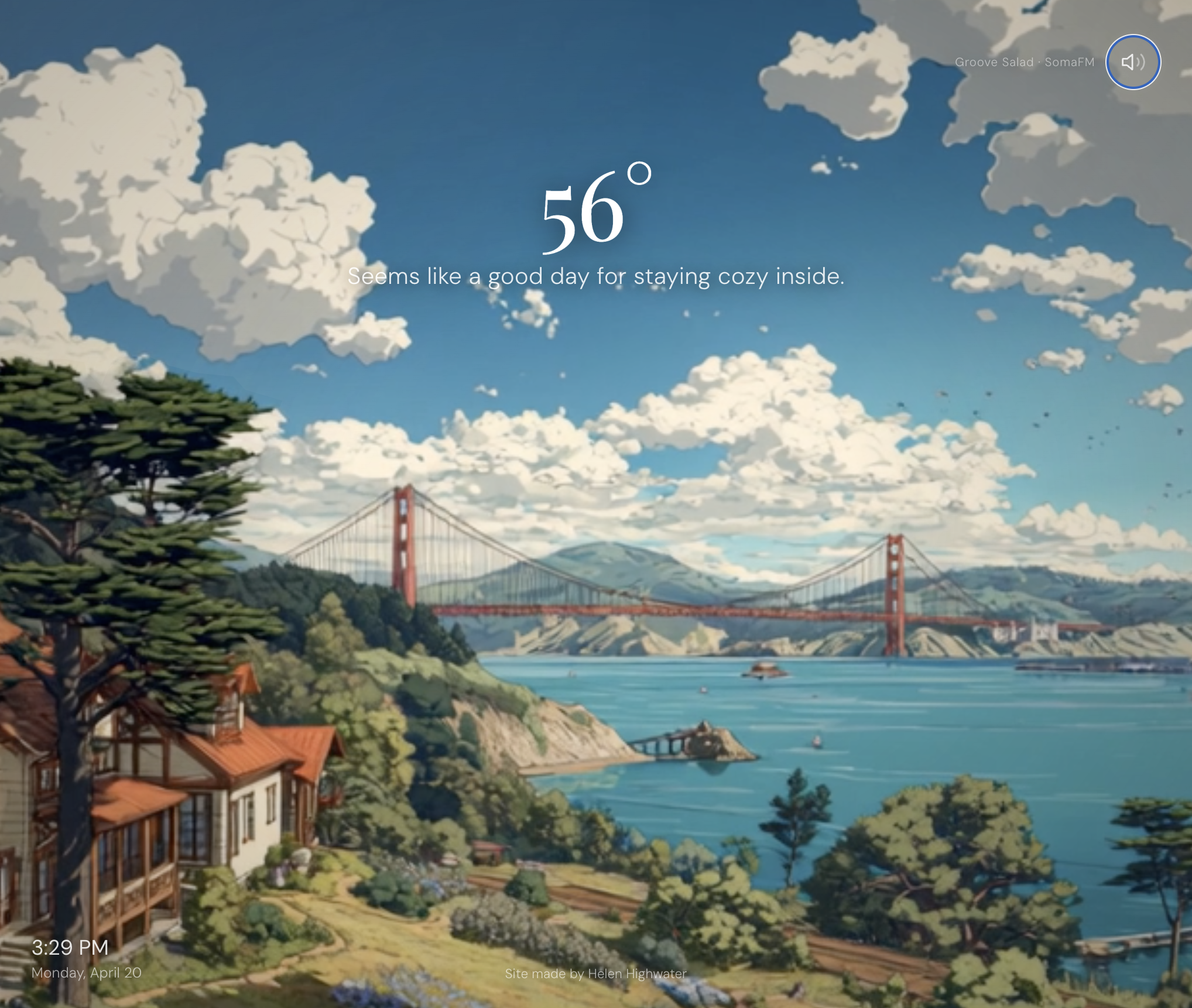
It was a full-stack role, so I wanted the front end to be spectacular and delightful, but to also at least have some sort of backend - preferably doing something similar to what is on their platforms.
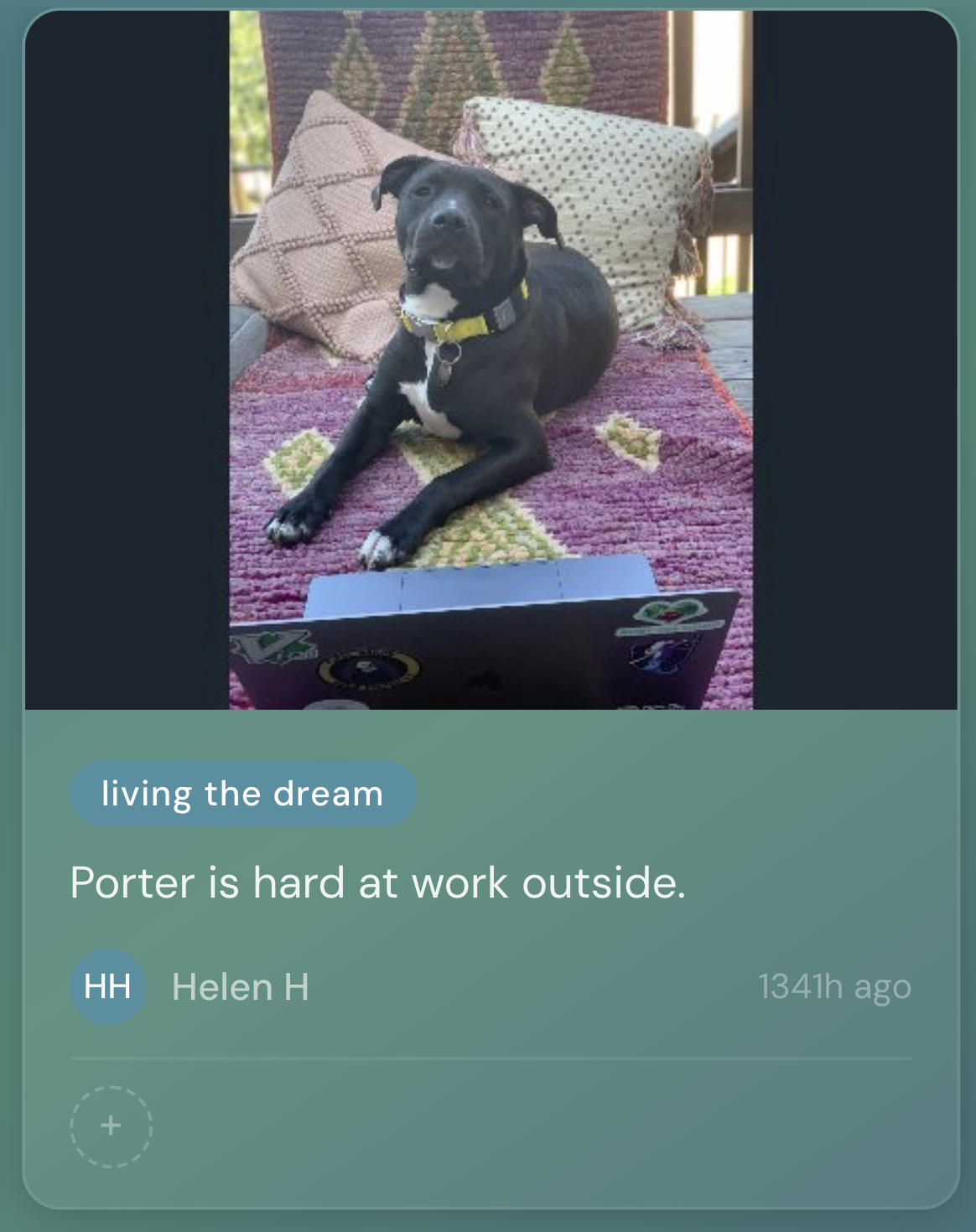
And what is more delightful than a vibe site for their work environment? Lofi beats, a little animated video of the Presidio, and maybe something answering "is it a work-outside type of day?" I wanted some interactive frontend work. To incorporate a backend, I wanted some cool API calls, and also decided to have a pin board that invites users to "Share your work setup" where you can post images (like many of the Padlet pin boards) showing if you are working at your desk with a coffee, or outside on a picnic blanket, or any other setup you might have. I planted it with a few pictures of my home-outdoor setup (of course featuring my dog, Porter).
A note on AI in image generation
I tried a ton of different image generators - this might have been where I spent most of my time. I want this story to be about the app and not the image generation though- so I will say that the best style produced was from Midjourney, but they had plenty of drawbacks too. I partifularly struggled with generating an image that was both pretty, and had a consistent animation loop - it kept trying to make clouds move at hyperspeed, or give SF an earthquate... While earthquakes are real, it wasn't ideal... So: I love it, not for everything - but that's where the background video came from. Maybe some other time I'll dive deeper into this.
Interactivity
I wanted to have different areas be clickable to pop up different API calls. But… from previous project experience - that is hard to do. One particularly hard consideration was that I wanted the video to fill the screen - meaning parts of it will be cut off based on the width-to-height ratio. So I presented my dilemma and asked Cursor how to best handle it quickly. (Side note: I selected Opus in Ask mode for this conversation and went in anticipating it would be a pain point - it was the right call.)
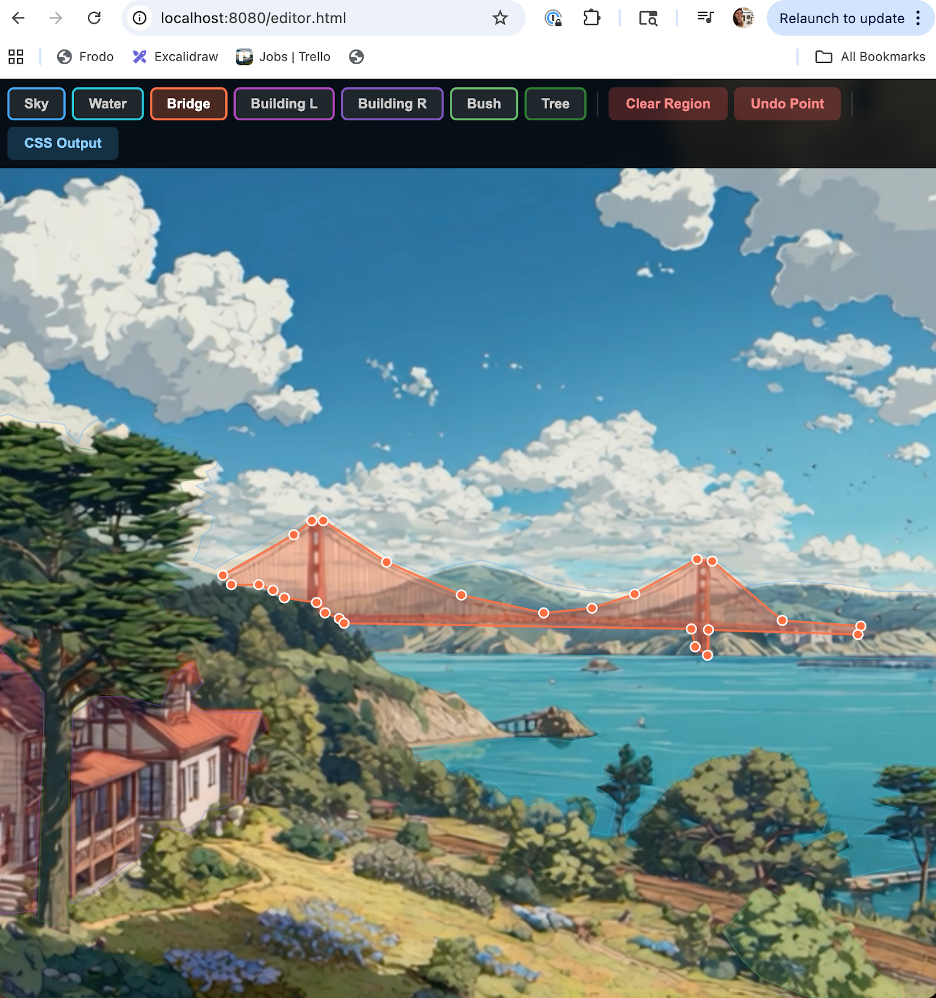
Damn you guys - I was blown away. Cursor offered to make an editor tool: a separate, full-screen tool that would allow me to pin the edges of each object. I'd click around the poster frame dropping points to trace each clickable region, and it would export the coordinates as normalized percentages. The main app then projected those onto the live video at runtime, recalculating on every resize. It worked perfectly on every screen size. I genuinely did not expect "I'll just build you a bespoke visual editor" to be the answer. AI is great.
Side note on this: I was very specific in stating what I wanted and laying out the problems I anticipated - I think that helped a lot with this solution. I tried something similar for another project without as much detail and structure in the prompt, and that second time was not even close to this level of problem solving.
Backend
Given this is just a demo site to supplement a job application, I really didn't want to deal with auth - creating accounts, logging in, all that overhead felt like overkill. I didn't want any barriers to use.
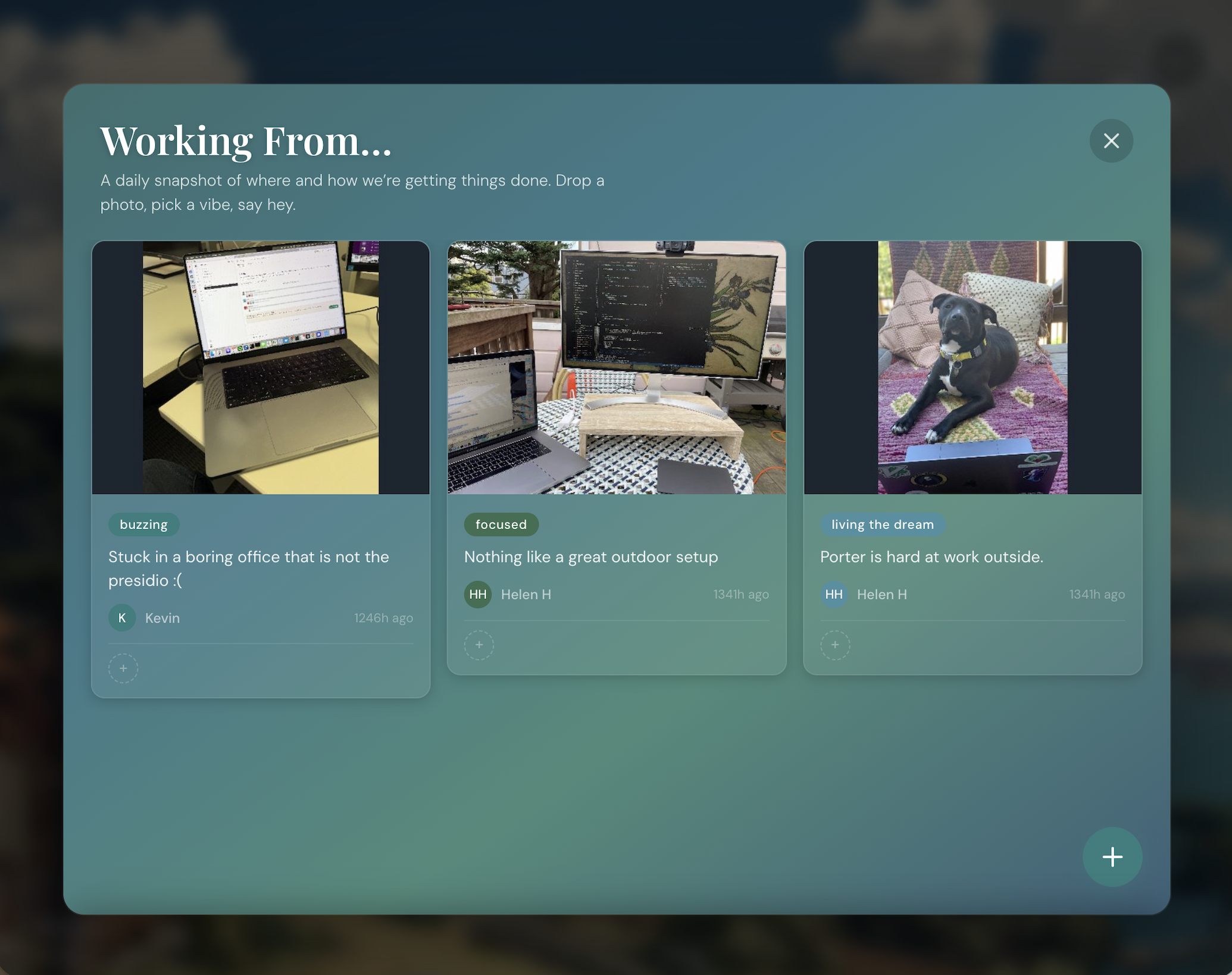
But I also didn't want to just… leave it completely open. Because the pin board lets you upload images, and if the wrong person stumbles upon it, I think we all know where that goes... (dick pics... ughhh :/)
So I looked into content moderation options and stumbled on NSFWJS- an open-source JavaScript library that runs a TensorFlow.js model directly in the browser to classify images. Client-side content moderation. Kind of genius, and something useful and new to try out!
The way it works: when someone picks a photo in the composer, the model loads locally (I ship the model files in assets/nsfw_model/) and scans the image before it ever touches my Supabase bucket. It spits out probability scores across five categories: Porn, Hentai, Sexy, Drawing, and Neutral. If the scores cross a threshold I set, the submit button disables and the user gets a "this image can't be posted" message. No upload, no server round-trip, nothing gross lands anywhere.
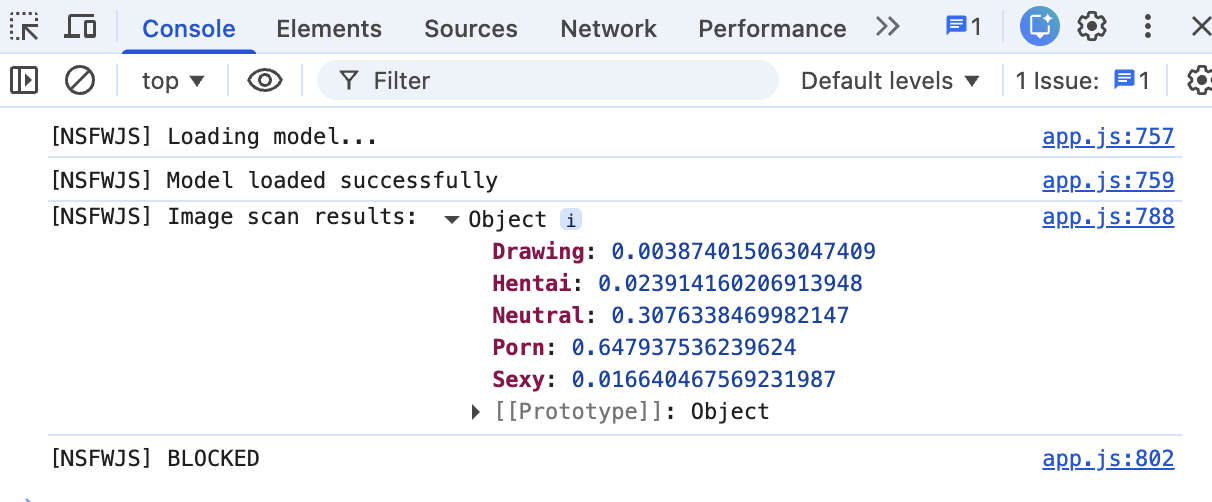
It did take me a while to get the thresholds right. My first pass was way too aggressive- it was flagging dogs, desk setups, someone's latte (apparently the model gets a little jumpy around warm lighting and skin tones, which… fair, I guess?) I ended up landing on only blocking when it's genuinely confident: Porn > 0.6, Hentai > 0.6, Sexy > 0.7, or a combined score over 0.65. Not a perfect gatekeeper, but paired with a 10-posts-per-day rate limit per browser, it's enough friction to keep the board feeling like the cozy little corner I wanted it to be.
Wrapping it up
I was really happy with how it turned out! I had everything I wanted to include, and even added a few easter eggs for people that might be clicking around the site. Check out the live site here - I use it often for lofi music courtesy of Groove Salad.
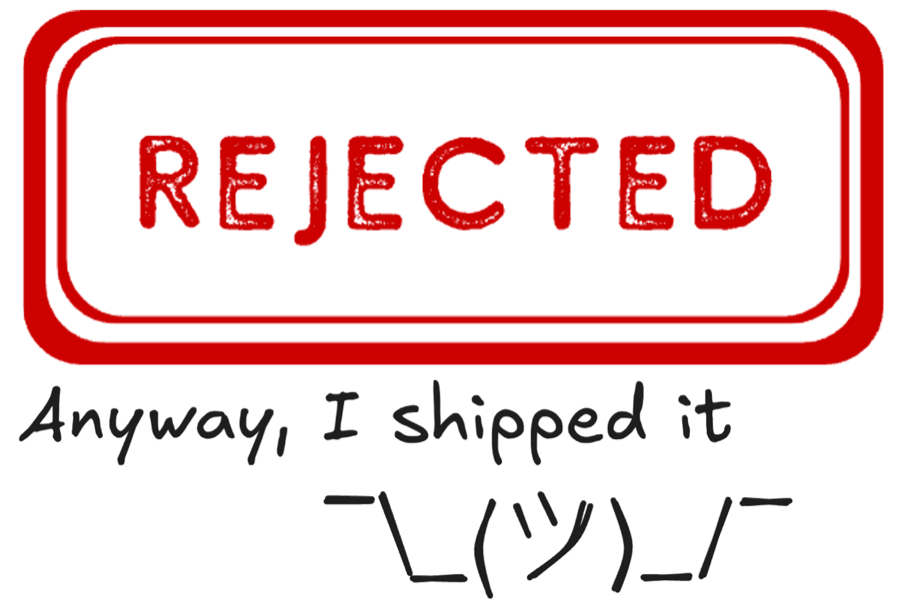
Technically, I haven't been rejected - but it has been two months, so alas, I moved it to the "Rejected" section of my Trello jobs board. I am still delighted by the website though; I hope you are too!
Anyway, I shipped it ¯\_(ツ)_/¯